
Hi, I’m Dan.
Your Online Revenue Architect
I made, lost, then re-made a fortune in crypto.
Now my mission is to help you avoid the same mistakes
and make your journey into Cryptoland ridiculously
simple and fun.
Now my mission is to help you avoid the same mistakes
and make your journey into Cryptoland ridiculously
simple and fun.

EDUCATOR
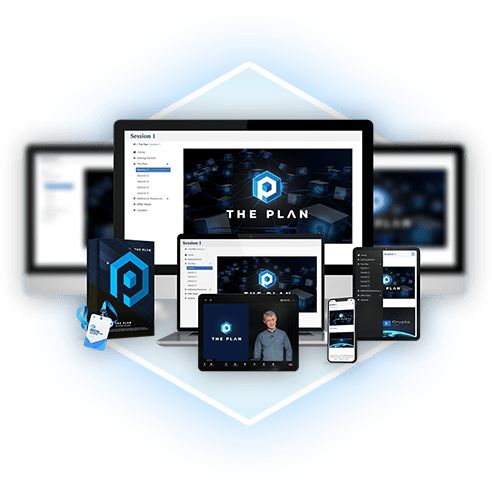
BC (Before Crypto) Dan taught classical guitar at the university level. AD (After Dogecoin), he founded the world’s #1 crypto training program, THE PLAN, which now has over 18,000 members in 130+ countries.
AUTHOR

Dan’s book was written for grownups but makes getting started in crypto as easy as child’s play. Filled with fun illustrations from New Yorker cartoonist, Lisa Rothstein and our own AI apps, it’s a rambunctious read.
EXPERT
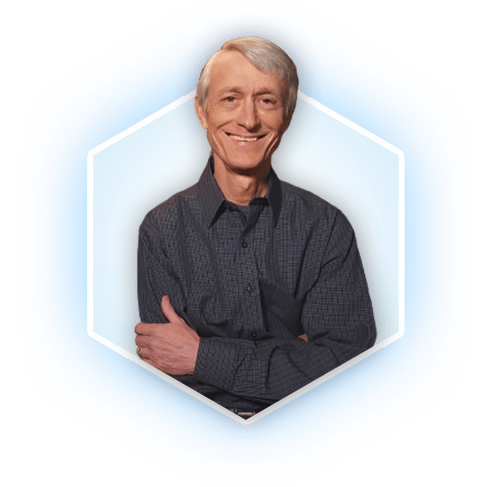
As crypto makes its way into the mainstream, Dan is an expert voice with a down-to-earth delivery. He regularly makes guest appearances, inspiring all audiences, from newbies to ninjas.

Hi, I’m Dan.
Your Crypto Tour Guide
I made, lost, then re-made
a fortune in crypto.
Now my mission is to help you avoid the same mistakes and make your journey into Cryptoland ridiculously
simple and fun.
a fortune in crypto.
Now my mission is to help you avoid the same mistakes and make your journey into Cryptoland ridiculously
simple and fun.
EDUCATOR
BC (Before Crypto) Dan taught classical guitar at the university level. AD (After Dogecoin), he founded the world’s #1 crypto training program, THE PLAN, which now has 20,000 members in 130+ countries.
AUTHOR
Dan’s book was written for grownups but makes getting started in crypto as easy as child’s play. Filled with fun illustrations from New Yorker cartoonist, Lisa Rothstein, it’s a rambunctious read.
EXPERT
As crypto makes its way into the mainstream, Dan is an expert voice with a down-to-earth delivery. He regularly makes guest appearances, inspiring all audiences, from newbies to ninjas.
“This is the first book I am able to finish reading in one sitting. Not only that I opened 3 accounts based on the steps involved, I am to buy BTC (Bitcoin) for the first time.”
Gloria Bradfute (Amazon)
Gloria Bradfute (Amazon)
“I have not just learned this method of making money with crypto but so much more! l appreciate what you share, your experience and your learning style ”
Stefan James
“Written so pretty much anyone should be able to understand what the blockchain is, defi, how to buy crypto and more after reading this book. Great beginners book.”
Karen Bryan (Amazon)
“This is the first book I am able to finish reading in one sitting. Not only that I opened 3 accounts based on the steps involved, I am to buy BTC (Bitcoin) for the first time.”
Gloria Bradfute (Amazon)
Gloria Bradfute (Amazon)
“I have not just learned this method of making money with crypto but so much more! l appreciate what you share, your experience and your learning style ”
Stefan James
“Written so pretty much anyone should be able to understand what the blockchain is, defi, how to buy crypto and more after reading this book. Great beginners book.”
Karen Bryan (Amazon)
FOUNDER OF THE WORLD'S
#1 CRYPTO TRAINING PROGRAM
With Over 18,000 Members In 130 Countries

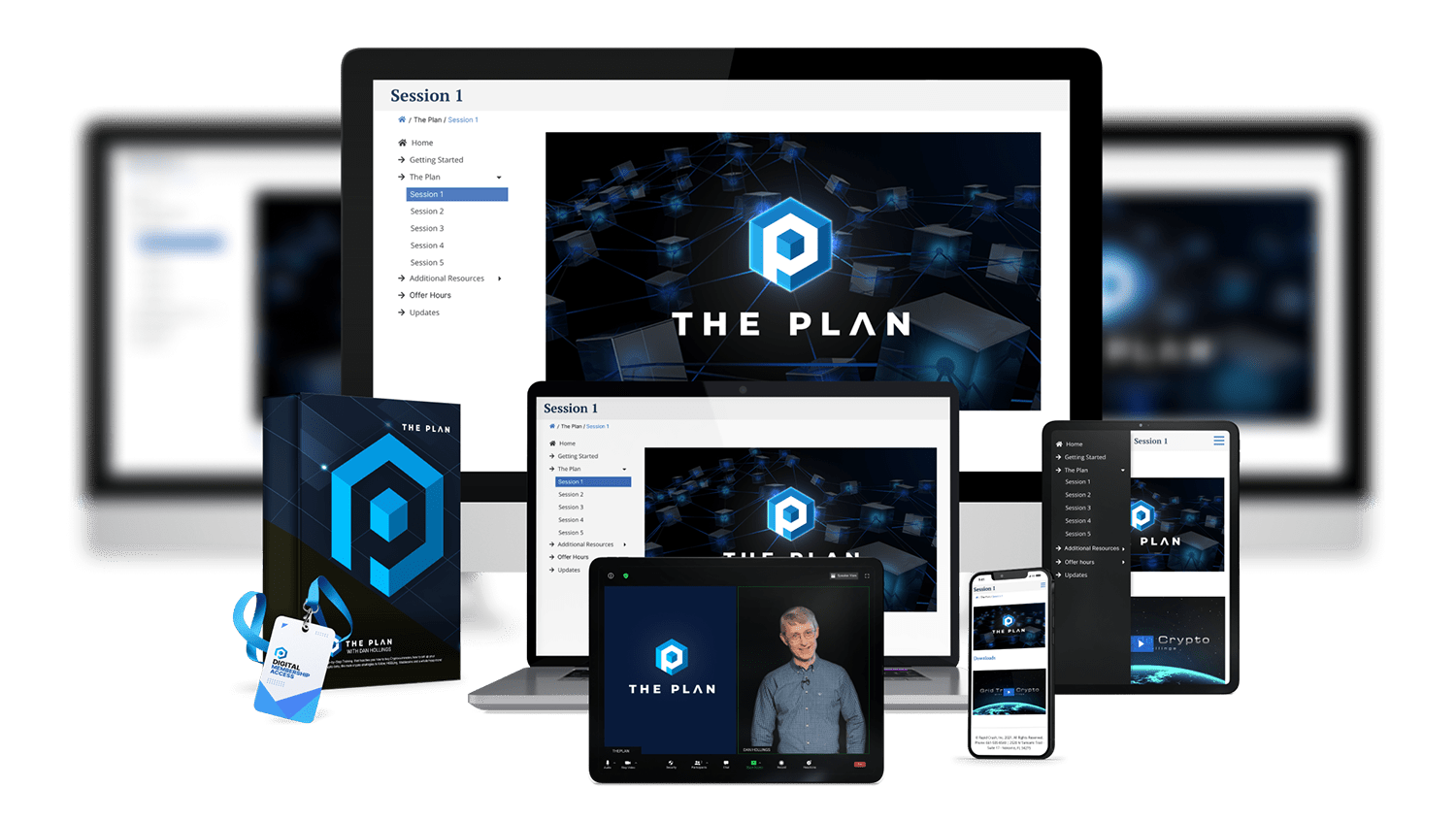
After losing everything in crypto,
Dan realized that he needed a plan.
Learn
- Dan’s “Wiggle Method” and secret settings.
-
Dan’s DO NOTHING formula.
-
How to find profitable coins in 5 minutes.
-
How to start your first automation in 60 seconds.
-
Why Dan doesn’t trade (hint: that’s how he lost all his money).
-
Security protocols that help safeguard your crypto profits.
FOUNDER OF THE WORLD'S
#1 CRYPTO TRAINING PROGRAM
With Over 18,000 Members In 130 Countries
After losing everything in crypto,
Dan realized that he needed a plan.
Tired of staring at screens, Dan developed his “Wiggle Method” that harnesses automation to generate profits minute-after-minute, regardless of whether the market is going up, sideways or down.
When Dan shared his plan with close friends, they started making profits within minutes and convinced Dan to teach THE PLAN.
Learn
- Dan’s “Wiggle Method” and secret settings.
-
Dan’s DO NOTHING formula.
-
How to find profitable coins in 5 minutes.
-
How to start your first automation in 60 seconds.
-
Why Dan doesn’t trade (hint: that’s how he lost all his money).
-
Security protocols that help safeguard your crypto profits.


Copyright © 2024 Bridgegap Marketing Inc. All rights reserved. Business Phone: 1-240-394-4999
Business Address: 3651 Lindell Road, Suite D-174, Las Vegas, Nevada 89103, United States
This website is operated and maintained by Bridgegap Marketing Inc. Use of the website is governed by its Terms & Conditions and Privacy Policy. Results are not typical and are not a guarantee of your success. Bridgegap Marketing Inc. is an experienced education company and your results will vary depending on education, work experience, and background. Due to the sensitive nature of the training, it is difficult to track the typical results of our students, clients, and/or partners. Participation in any program could result in a loss. We cannot guarantee that you will make money or that you will be successful if you employ the company’s strategies specifically or generally. Consequently, your results may significantly vary. This workshop may be live or recorded depending on the time you watch. We do not give investment advice, tax advice, or other professional advice.
Bridgegap Marketing Inc. is a sales and marketing education and training company. We do not sell a business opportunity, “get rich quick” program, or money-making system. We believe that with education, individuals can be better prepared to make better business decisions, but we do not guarantee success in our trainings. We do not make earnings claims, efforts claims, or claims that our training will make you any money. All material is intellectual property and protected by copyright. Any duplication, reproduction, or distribution is strictly prohibited. Please see our Full Disclosures, hyperlinked above, for important details.
Participating in any kind of business carries risk and it is possible to lose some or all your money. The training provided is general in nature, and some strategies may not be appropriate for all individuals or all situations. We make no representation regarding the likelihood or probability that any actual or hypothetical business venture will achieve a particular outcome or perform in any predictable manner. Statements and depictions are the opinions, findings, or experiences of individuals who generally have purchased education and training. Results vary, are not typical, and rely on individual effort, time, and skill, as well as unknown conditions and other factors. We do not measure earnings or financial performance. Instead, we track completed transactions and satisfaction of services by voluntary surveys. Further, many customers do not continue with the program, do not apply what they learn, or do attempt to apply what they learn but nonetheless have difficulty in making this successful for them.
The Company may link to content or refer to content and/or services created by or provided by third parties that are not affiliated with the Company. The Company is not responsible for such content and does not endorse or approve it. The Company may provide services by or refer you to third-party businesses. Some of these businesses have common interests and ownership with the Company. This site is not a part of the Facebook website or Meta Platforms, Inc. FACEBOOK is a trademark of Meta Platforms, Inc. This site is also not a part of the Google website, YouTube website, or Google LLC. GOOGLE is a trademark of Google LLC. YOUTUBE is a trademark of Google LLC. Company is not affiliated with or endorsed by CBS, Inc., Forbes, Fortune, CNBC, Entrepreneur, Time, ABC, or Business Insider. "Golden Ticket" is used for promotional purposes only and is not associated with or endorsed by Warner Bros. Entertainment Inc., the owner of the trademark. All product names, logos, and brands are the property of their respective owners. All company, product, and service names used in this website are for identification purposes only. Use of these names, logos, and brands does not imply endorsement.